
How to Integrate Alexa and Google Home with Your Smart Blinds


Understanding Smart Blinds and Their Benefits
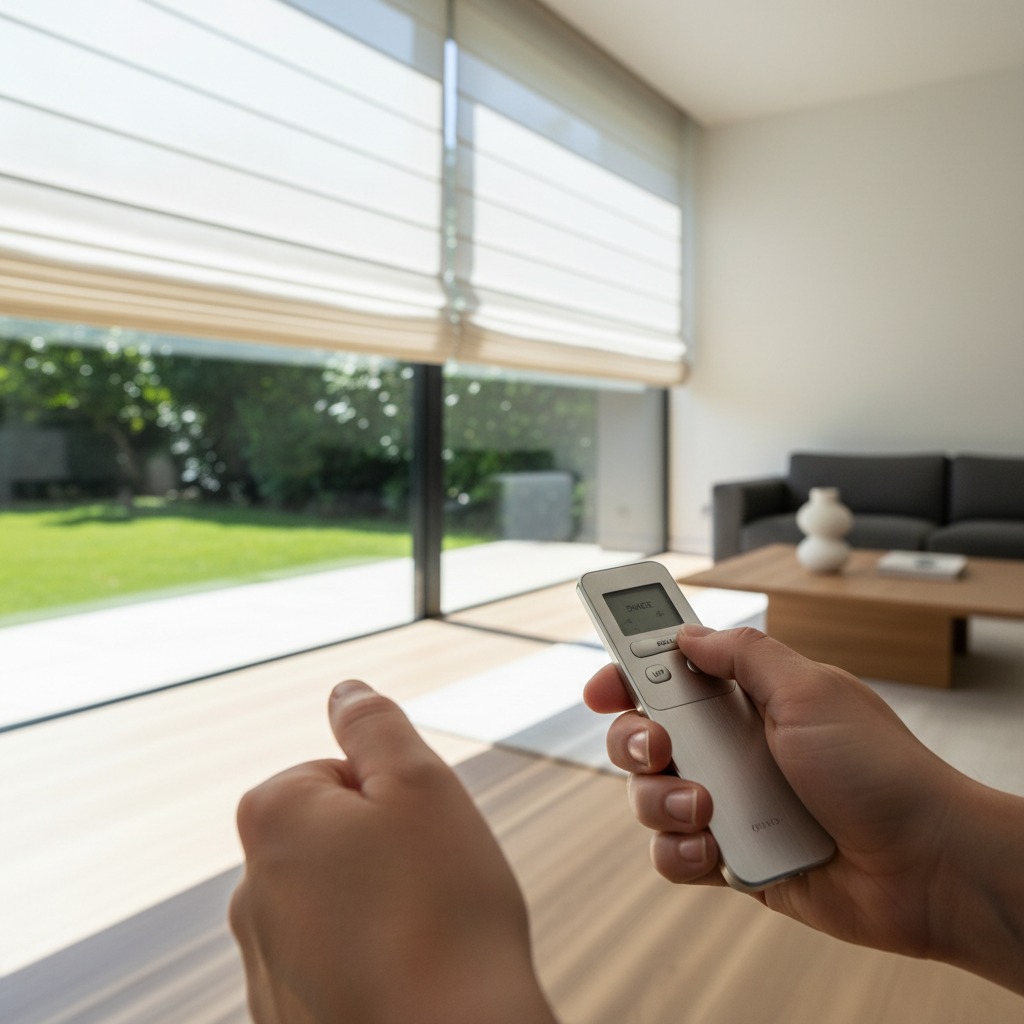
Smart blinds are a fantastic addition to any modern home. They offer convenience, energy efficiency, and enhanced privacy. By integrating them with smart home systems like Alexa or Google Home, you can control your blinds with simple voice commands or automate them based on your daily routine.
Whether you're waking up in the morning or settling down for the evening, smart blinds can adjust to your lifestyle, providing optimal lighting and comfort. Integrating them with voice assistants takes this convenience a step further by offering seamless control.
Getting Started with Integration
Before integrating your smart blinds, ensure they are compatible with Alexa or Google Home. Most smart blinds will have this capability, but it's essential to check the manufacturer's specifications. Once confirmed, gather the necessary tools and ensure your Wi-Fi is stable.
Both Alexa and Google Home require a linked app to manage smart devices. Download the respective app on your smartphone and ensure your voice assistant is set up and ready to connect with smart devices in your home.
Integrating with Alexa
To connect your smart blinds with Alexa, follow these steps:
- Open the Alexa app on your smartphone.
- Navigate to the "Devices" section and tap the "+" icon.
- Select "Add Device" and choose "Blind" from the list.
- Follow the on-screen instructions to complete the setup.
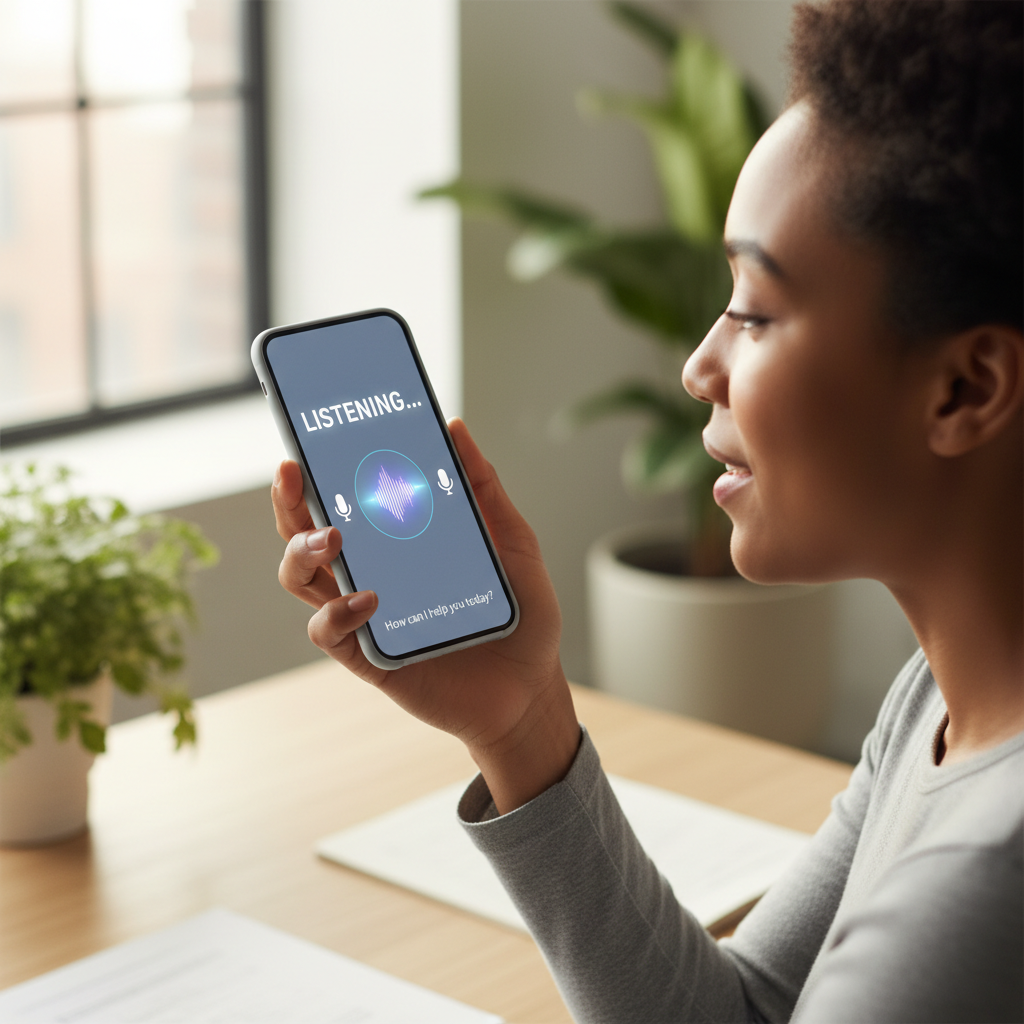
- Once added, you can create routines or control the blinds using voice commands.
Integrating with Google Home
For Google Home integration, the process is slightly different:
- Launch the Google Home app on your device.
- Tap the "+" icon to add a new device.
- Select "Set up device" and choose "Works with Google."
- Search for your smart blinds' brand and follow the instructions to link your account.
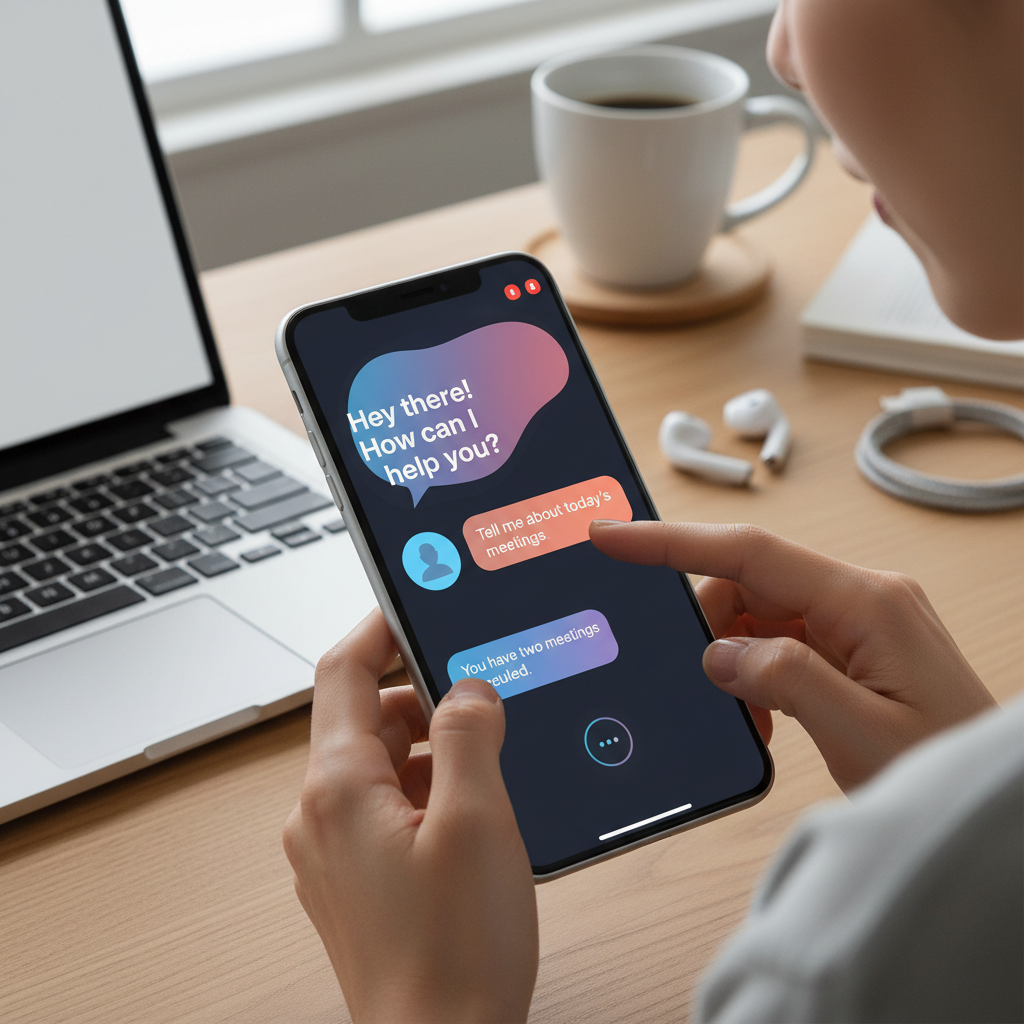
- After linking, you can assign the blinds to a room and control them via voice commands.
Creating Routines and Automations
Once integrated, you can create routines to automate your blinds. For example, you might set them to open at sunrise and close at sunset. This not only enhances convenience but can also improve your home's energy efficiency by optimizing natural light usage.
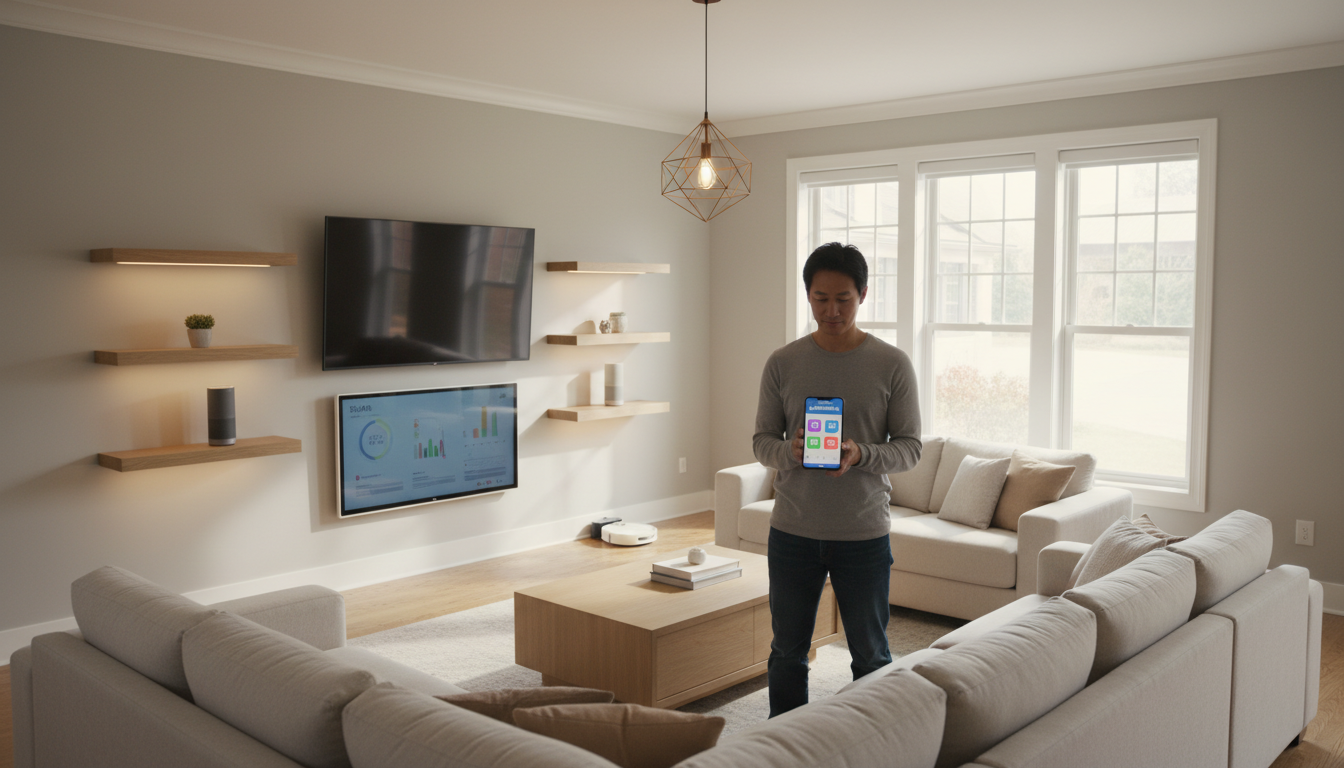
Both Alexa and Google Home offer flexible routine settings. Explore their respective apps to discover various automation options that suit your lifestyle. You can even integrate other smart devices to create comprehensive home automation.
Troubleshooting Common Issues
If you encounter issues during integration, don't worry. Common problems include connectivity issues or unresponsive devices. Ensure your smart blinds are within Wi-Fi range and that your voice assistant is updated to the latest software version.
If issues persist, consult the manufacturer's support or explore online forums for solutions. Often, a simple reset or app update can resolve connectivity problems, getting your smart blinds back in action quickly.