
Integrating Smart Blinds with Alexa and Google Home: A Step-by-Step Guide


Integrating smart blinds with Alexa and Google Home can elevate your home automation experience. These smart assistants allow you to control your blinds with simple voice commands, adding both convenience and a futuristic touch to your living space.
Getting Started with Smart Blinds
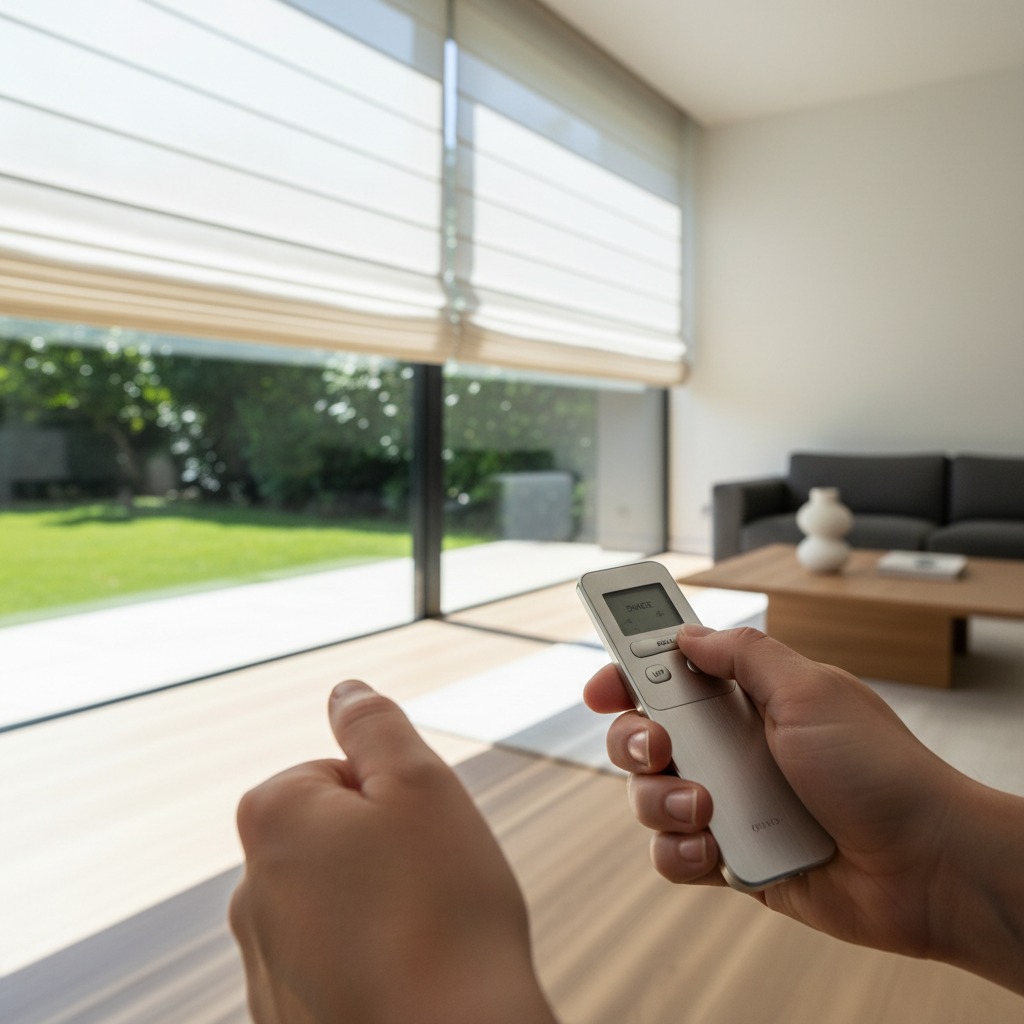
The first step is to ensure your smart blinds are compatible with Alexa and Google Home. Most modern smart blinds have built-in compatibility, but it’s always wise to check the manufacturer’s specifications. If your blinds are compatible, you’ll typically need to download the appropriate app to your smartphone to begin the setup process.
Necessary Equipment
Before starting, make sure you have the following items:
- Smart blinds with Alexa and Google Home compatibility
- An Alexa-enabled device or Google Home device
- A reliable Wi-Fi connection
- The manufacturer's app for initial setup
Setting Up Smart Blinds with Alexa
To integrate your smart blinds with Alexa, follow these steps:
- Open the Alexa app on your smartphone.
- Navigate to the "Devices" tab and select "Add Device."
- Choose "Blinds" from the list of device types.
- Follow the on-screen instructions to connect your blinds to Alexa.
- Once connected, create a voice command like, “Alexa, open the blinds.”
Tips for Alexa Integration
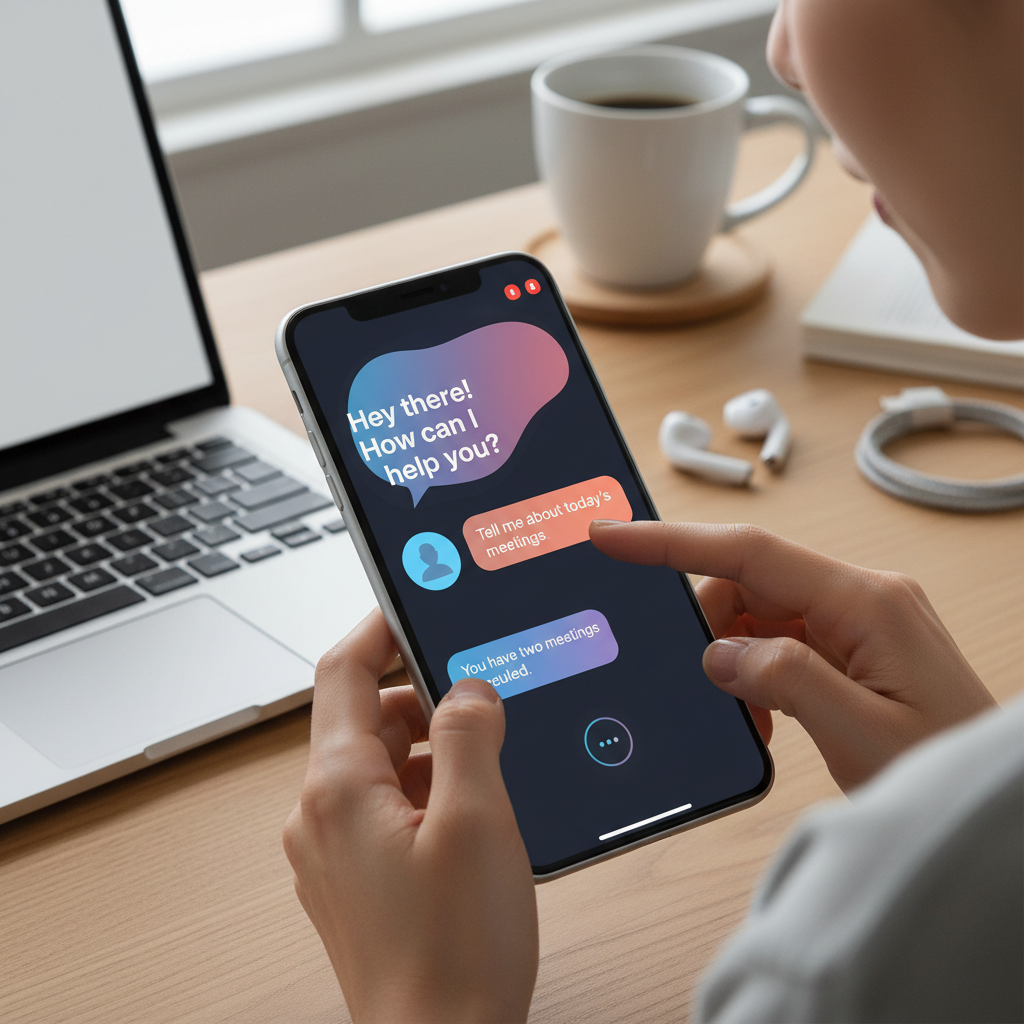
Ensure that your Alexa device and smart blinds are on the same Wi-Fi network for seamless operation. Also, consider creating routines in the Alexa app to automate blind movements based on time or other triggers.
Integrating Smart Blinds with Google Home
Connecting your smart blinds to Google Home is a straightforward process:
- Open the Google Home app on your smartphone.
- Tap the "+" icon to add a new device.
- Select "Set up device" and then "Have something already set up?"
- Search for and select your smart blinds’ manufacturer.
- Follow the prompts to link your account and complete the setup.
Maximizing Google Home Functionality
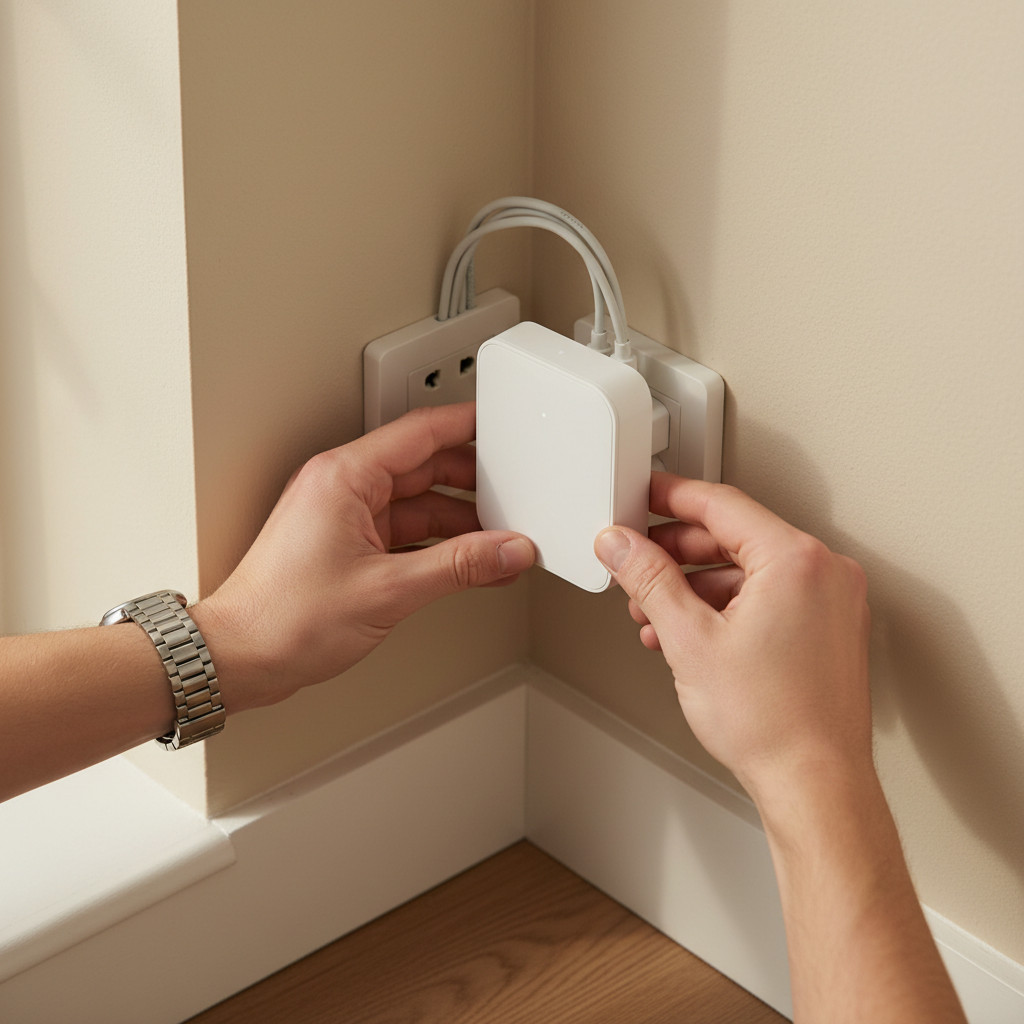
Google Home allows for creating routines and schedules as well. You can say, “Hey Google, open the blinds,” to control them with your voice. Additionally, explore the Google Home app’s features to customize your experience further.
Troubleshooting Common Issues
If you encounter issues during setup, ensure that your devices are updated with the latest firmware. Restarting your router, smart blinds, and smart assistant devices can also resolve connectivity problems.
Integrating smart blinds with Alexa and Google Home enhances your smart home setup, offering greater control and automation. Enjoy the convenience of adjusting your blinds with just your voice!